KUKUI's Advanced Text Marketing Tips for Auto Body Shops

KUKUI Administrator • June 11, 2020

By Kaeli Hall


Filters are a hot topic these days, but we’re not here to talk about the latest filter for your Instagram profile picture. We’re here to talk about the filters available on our Text Marketing platform. Targeting your marketing to a very specific audience increases your rate of conversion, and we’re providing you with plenty of options to narrow down the scope of your targeted audience. Take a look at our new, advanced filter options:


1. You might want to only send a text to your regulars, and skip the customers who only stopped by once or twice for a quick service. Define the minimum number of closed invoices that any customer who receives this message will have.
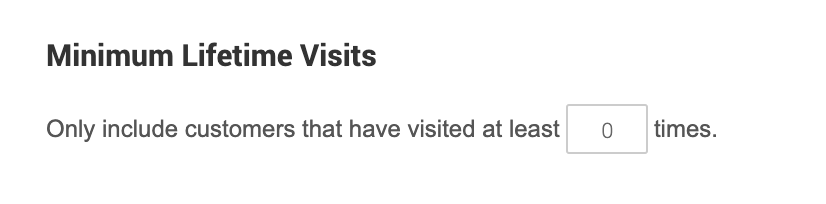

Minimum lifetime visits only include customers that have visited at least 0 times

2. Filter all of the recipients by the make of their vehicle. Type it into the box, hit “Add Vehicle To Filter”, and save. You can enter as many vehicles as you’d like, and remove a vehicle by pressing the x on the right hand side.
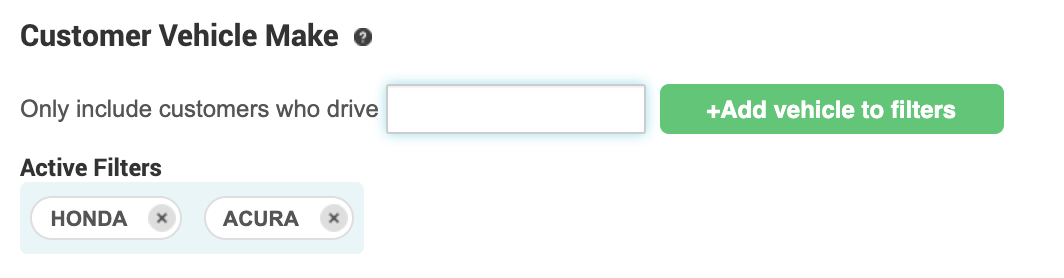
A screenshot of a customer vehicle make page with a green add vehicle to filters button.

3. People might opt-in through the web forms or keyword opt-in that haven’t come into the business yet. By default, we will include these non-existing customers while accounting for the filters that have already been applied. Many of these filters will exclude non-existing customers, like minimum spend, or lifetime visits. But now you can choose to include all non-existing customers (even if they don’t meet the filter criteria) or exclude them (even if they do meet the filter criteria). This gives you extra flexibility to decide when to include or exclude non-existing customers on a campaign.
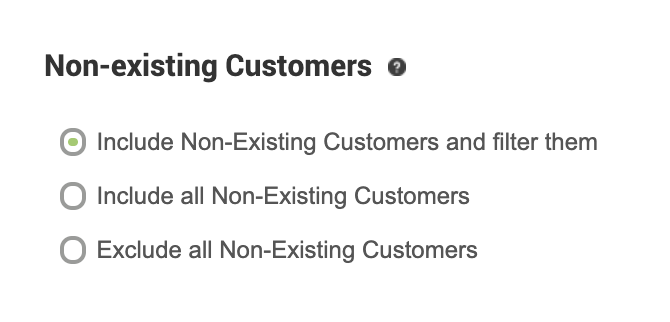
A list of non-existing customers includes non-existing customers and filter them include all non-existing customers exclude all non-existing customers

Made it this far in the blog? Good thing, because you got to the BONUS FEATURE:


The Calculator!
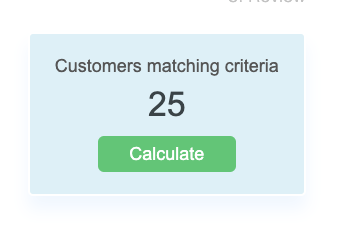
A screen shows a button that says `` customers matching criteria '' and a button that says `` calculate ''.

As you apply these filters the number of recipients will change. Just press “Calculate” and our calculator provides live updates on how many recipients will be sent this campaign with the filters applied.


Questions? Comments? We love to hear from you! Use the feedback button on the right hand side of your CP and tell us what you think of our products, and how we can keep growing to fit the needs of your business.


Graphic about “AI Signals You Can’t Fake or Force” with glowing social icons and a flashlight on dark blue background
By Heather Myers June 18, 2026
AI visibility isn’t just your website or Google profile. Unscripted mentions on Reddit, Yelp, forums, and social groups build the trust AI values most today.
Futuristic storefronts under a rising green arrow, with location pins and analytics icons on a blue background
By Rick Sage June 16, 2026
New KUKUI Data Reveals How Leading MSOs Are Scaling Revenue, Improving Customer Retention, and Driving Measurable Growth
Google review shield with rating card and user icons on a blue background
By Lori Metzler June 11, 2026
Google's 2026 review policy crackdown targets review gating, kiosks, and filtered feedback. Learn how to stay compliant and build trust.
Digital AI customer support interface with chat, rating stars, magnifying glass, and location pin icons
By Summer Lee June 9, 2026
Customer reviews now shape AI search visibility. Detailed, authentic reviews help AI understand your services, build trust, and recommend your shop.
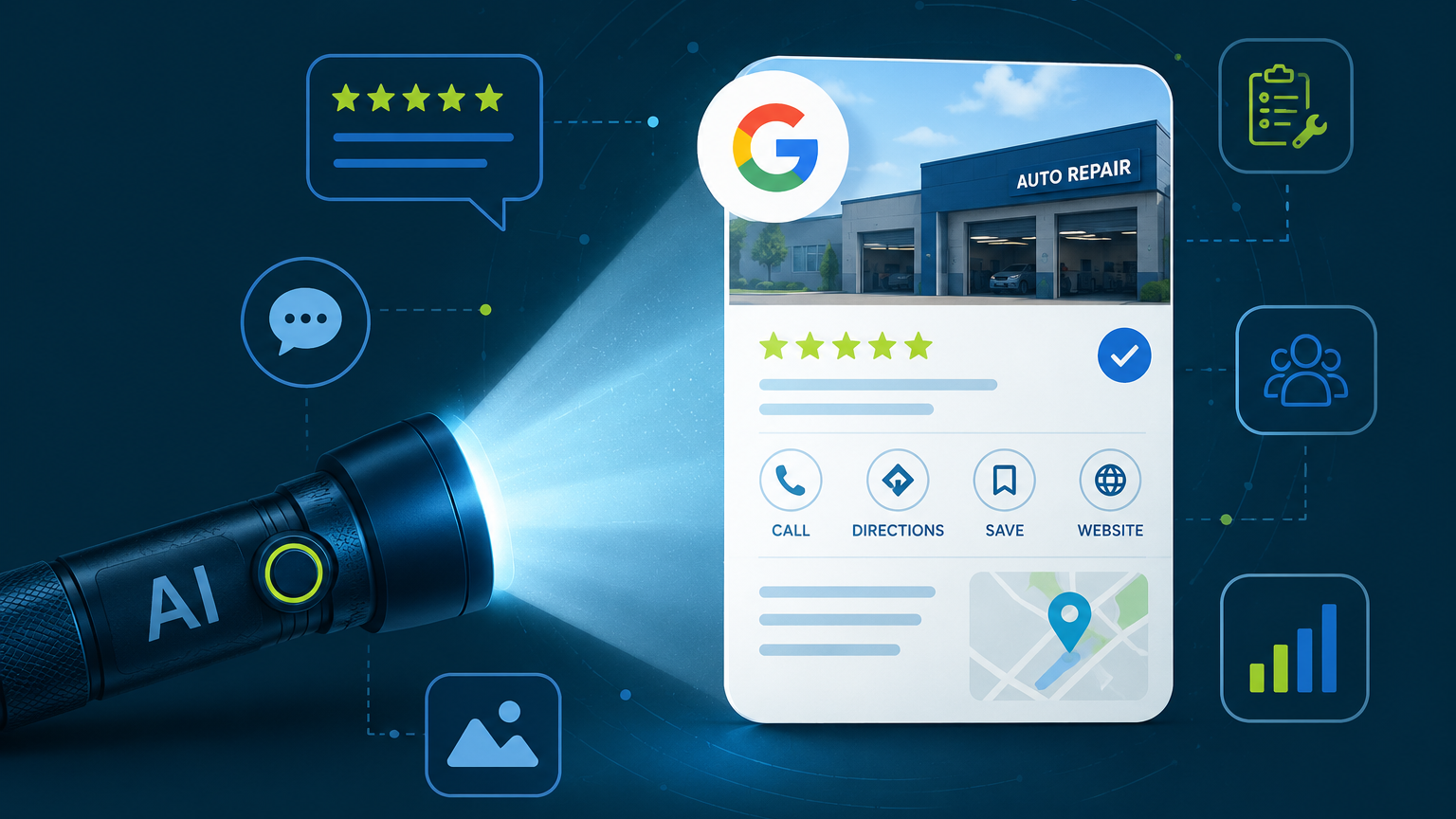
AI-powered flashlight shining on a Google business profile card with review and analytics icons
By Heather Myers June 4, 2026
AI is changing how customers find repair shops. Learn how reviews, Google Business Profiles, photos, and social signals influence AI recommendations.
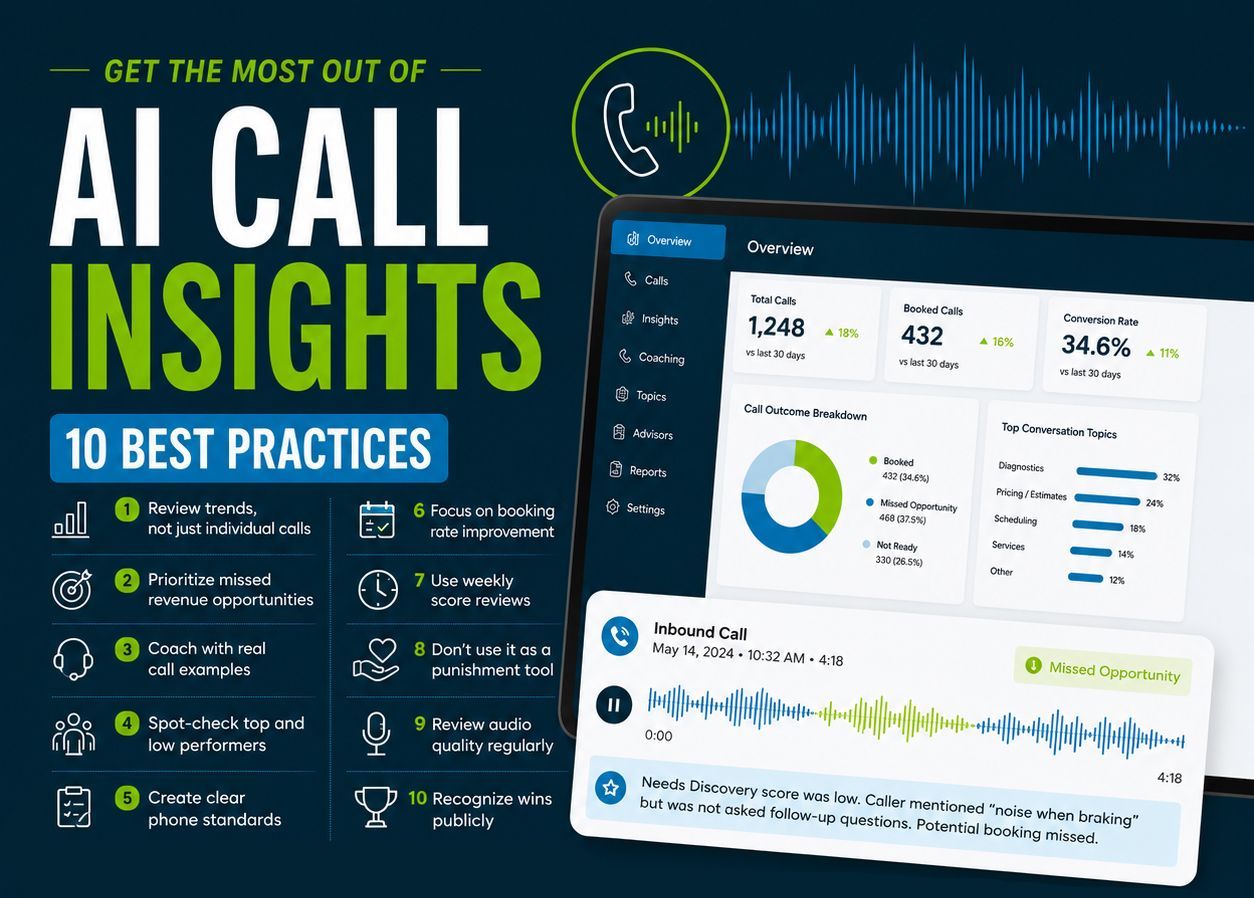
AI call insights infographic with blue dashboard and “10 best practices” text
By Mary Wirth June 2, 2026
Get more value from AI Call Insights with 10 practical tips to spot coaching opportunities, track performance trends, and convert more callers into customers.
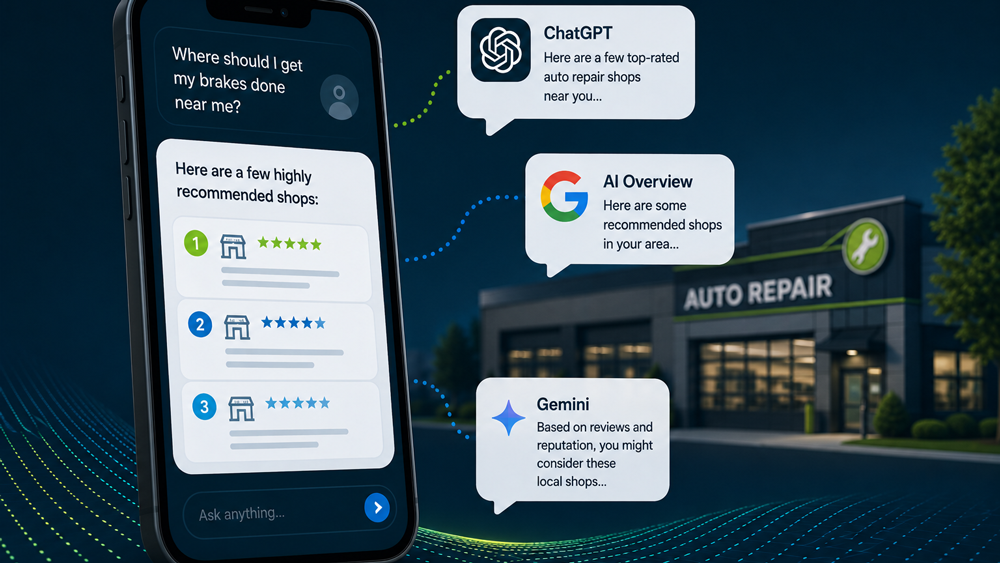
Smartphone and Google review bubbles beside a lit auto repair shop at night
By Heather Myers May 21, 2026
AI search is changing how customers find repair shops. Learn what helps your shop appear in ChatGPT, Google AI, and Gemini recommendations for local search results.
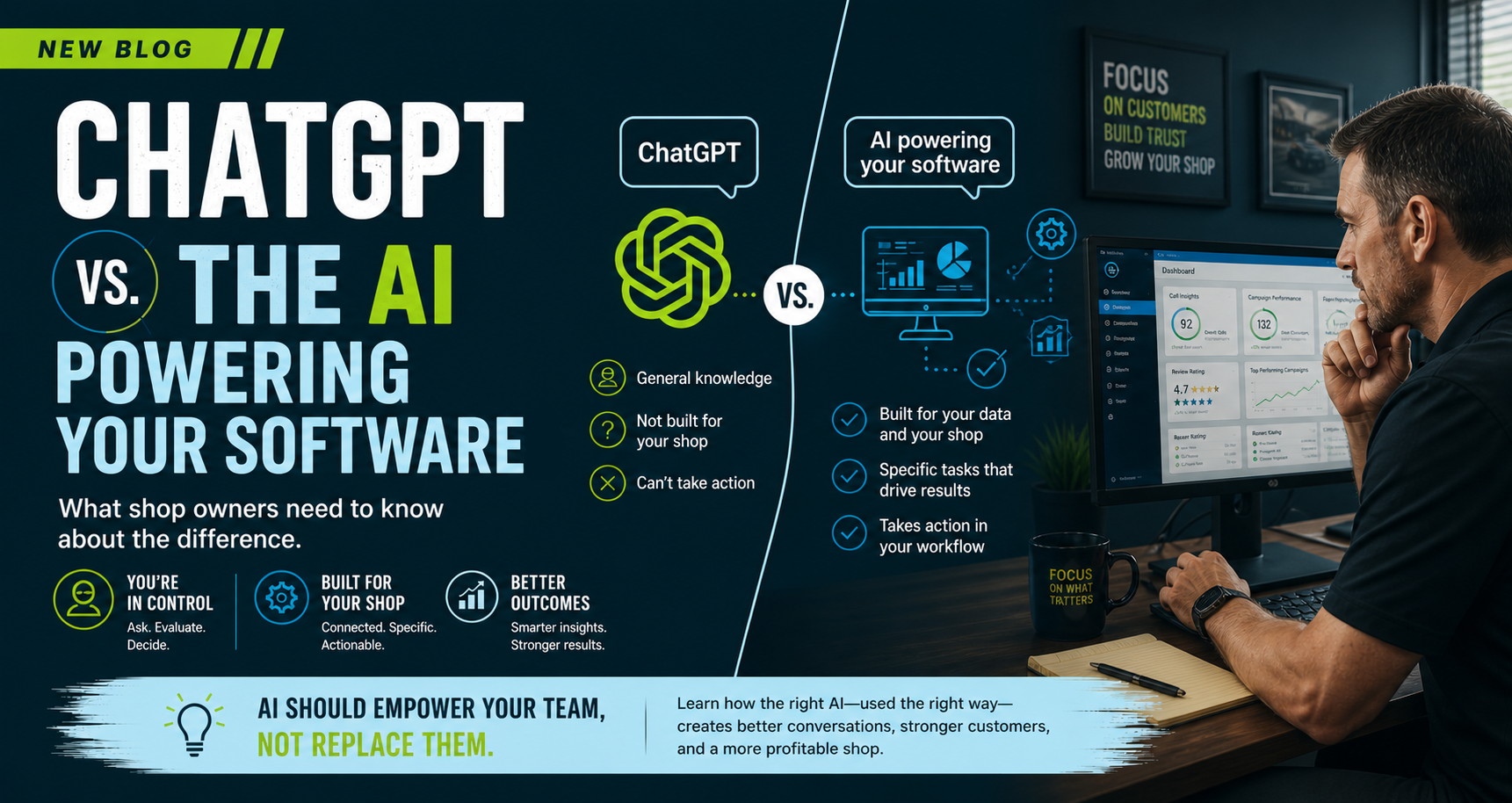
ChatGPT vs. AI powering your software banner with developer at desk and code on dark screen
By Heather Myers May 7, 2026
ChatGPT is powerful, but it’s not built for your shop. Learn how AI in your software uses real data to drive smarter decisions and better business results.
Promotional graphic of a hand holding a phone beside a laptop, with text “Stay active everywhere, automatically.”
By Gabby Oglesby April 28, 2026
Automate your social media with 2 weekly posts published to Facebook, Instagram, and Google—keeping your shop visible online without extra work.
Hand writing on a document with a pen beside eyeglasses on a desk
By Heather Myers April 23, 2026
Understand AI-generated reports for your auto repair shop. Use the Fact, Inference, or Guess framework to improve your insights.