I talk to shop owners every day. And over the last few months, the same topic keeps coming up: reviews.
Not whether reviews matter. Everyone knows they do. The question is how you’re getting them. And for a lot of shops, the answer is a process that Google just made very clear is not OK.
In April 2026, Google updated its review policy with some of the biggest changes in years. No announcement. No email. The rules just changed. And if you’re collecting reviews the way many businesses have been, there’s a good chance your process now violates Google’s policy.
I’m writing this because I don’t want any shop owner to find out the hard way.
What Is Review Gating?
Review gating is the practice of filtering which customers get asked to leave a public review based on how satisfied they are.
It usually works like this: after a visit, the customer gets a feedback request. If they respond positively (4 or 5 stars), they’re directed to leave a Google review. If they respond negatively (1 or 2 stars), they’re routed to an internal feedback form where the issue can be handled privately.
The logic makes sense on the surface. You want to resolve problems before they become public. You want your Google profile to reflect happy customers.
The problem is that Google has always prohibited this. And as of April 2026, they’re actively enforcing it.
What Changed in April 2026
Google updated its Maps review policy on April 16 and 17, 2026. Here’s what’s now explicitly banned:
- Review gating.
Filtering customers by sentiment before sending a review link. This was always against policy. It’s now being actively enforced.
- Asking for reviews while the customer is on your premises.
This includes verbal requests at the counter, review kiosks, and tablets in the waiting area.
- Review kiosks or shared devices.
Any setup where customers leave reviews on a shop-owned device is now explicitly against policy.
- Staff review quotas.
Setting targets like “we need 10 new reviews this week” or running leaderboards for which service advisor gets the most reviews.
- Asking customers to mention specific content.
Directing customers to name a specific employee or mention a specific service in their review.
Google’s enforcement systems blocked or removed
292 million
policy-violating reviews in 2025. Those same systems are now applying the new rules. This isn’t theoretical. Reviews are being removed. (
You can read Google’s full review policy here
)
Why This Matters More Than You Think
I know what some of you are thinking: “I’ve been doing this for years and nothing has happened.”
That’s changing. Google’s Gemini AI now actively scans for review gating patterns. It can detect when a business consistently receives only positive reviews through a particular collection channel while negative feedback never reaches Google. The pattern is the signal.
The consequences are real:
- Google can remove individual reviews or all of your reviews at once.
- Your GBP visibility can be reduced or your profile can be suspended.
- The FTC has authority to pursue civil penalties for deceptive review practices. In 2022, they fined Fashion Nova $4.2 million for hiding negative reviews.
And there’s a trust issue that goes beyond enforcement. 96% of consumers specifically look for negative reviews before making a decision. A profile that looks too clean actually raises suspicion. Customers are smart. A 5.0 rating with nothing but glowing reviews and zero criticism doesn’t build trust. It breaks it.
The Software Problem
Here’s what I want every shop owner to understand: many of the tools that facilitate review gating are built into reputation management software. If your current provider’s “reputation management” feature sends customers to one place for high ratings and another for low ratings, that’s review gating. It doesn’t matter that the software is doing it automatically. The practice is the violation, not the method.
Google has started targeting the software tools that facilitate gating, not just the businesses using them. If your tool is built to gate, you’re at risk whether you realized what it was doing or not.
This is worth a direct conversation with your provider. Ask them: “Does your review request process send all customers to Google equally, or does it filter by rating or sentiment first?” If they can’t give you a clear answer, that tells you something.
What the Right Approach Looks Like
The compliant approach is simple. It’s actually simpler than gating:
- One request.
Send the same review request to every customer. Not just the ones you think had a good experience. Everyone.
- After the visit.
Not while they’re standing at the counter. Send it after they’ve left. Email, text, whatever your process is. The timing matters.
- Neutral language.
Don’t ask for a five-star review. Don’t ask for a positive review. Ask them to share their experience. “We’d appreciate it if you could share your experience on Google” is compliant. “If you had a great experience, please leave us a review” is gating in disguise.
- Paced as a drip.
Don’t send 50 review requests on the same day. A steady, consistent flow of requests looks natural because it is natural.
- No incentives.
No discounts, no loyalty points, no free services in exchange for reviews. This has always been against policy and the enforcement is getting stricter.
That’s it. Equal treatment, sent after the visit, in neutral language, at a natural pace. The shops that do this well build review profiles that are authentic, diverse, and credible. That’s what Google wants. It’s also what customers trust.
How Our System Handles This
I work with our Reputation Management tools every day with clients. So let me walk you through how it actually works, because this is something I get asked about constantly.
Review requests:
- When a repair order is closed, the customer receives a review request via text, email, or both. Same request. Same language. Every customer. The only personalization is their name.
- The system has safeguards to make sure customers aren’t overwhelmed. Limits on how many requests go out across the system and how frequently any individual customer is contacted.
- There is no satisfaction filter. There is no split path. A customer who had a great experience and a customer who had a frustrating one both receive the same invitation.
Follow-up:
- Our Follow-Up module gives shops a checklist of customers to call and check in with. Thank-you calls after a visit, reminders for recommended services, check-ins with customers who haven’t been in for a while. These personal touchpoints build the kind of trust that naturally leads to reviews, referrals, and repeat visits.
Review management:
- Our Reputation Management module lets shops see all their reviews in one place, across Google, Yelp, and other platforms. No logging into five different sites.
- Shops can respond to reviews directly from the module. Manually, or using our AI Review Responder (https://www.kukui.com/ai-review-responder), which was trained specifically for the auto repair industry.
- The AI Review Responder gives you options: generate responses one at a time, auto-generate with the ability to review and approve, or auto-generate and auto-post. You choose the level of control that works for your shop.
On your website:
- We also have a module that displays your reviews and your responses directly on your website. This helps with search crawlers, AI models beyond just Google, and it shows potential customers that you’re active and engaged before they ever check your Google profile.
We built all of this to be compliant by design. Not because the policy required it (although it does), but because it produces better results. A review profile built on authentic, unfiltered feedback is more credible to customers, more useful to AI, and more sustainable over time.
If you’re a KUKUI client and want to walk through your review settings, reach out to your Client Success Coordinator. We’ll make sure everything is set up the right way.
What About Negative Reviews?
This is the part that makes shop owners nervous. “If I send review requests to everyone, I’ll get more negative reviews.”
Maybe. But here’s what I’ve seen after working with shops for over 30 years: the ones who respond to negative reviews well actually build more trust than the ones who try to suppress them.
A thoughtful response to a negative review shows potential customers that you care, that you listen, and that you’re willing to make things right. Research shows that 44% of customers will continue doing business with you if you respond to their negative review. And 80% of unhappy customers say they’d even leave a positive follow-up if you resolved the issue.
A negative review handled well is not damage. It’s a conversion opportunity.
But here’s the tough love: if you’re consistently getting the same kind of negative review, the answer isn’t to hide them. That’s a signal. A one-off complaint about wait times is normal. Five reviews in a row mentioning the same issue? There’s one thing in common, and it isn’t the customers.
This is where tools like
KUKUI’s AI Call Insights
can help. It analyzes your actual phone conversations, scores how your team handles calls, and surfaces patterns you might not see from behind the counter. If there’s a service or communication gap driving negative reviews, Call Insights helps you find it and fix it. That’s a better solution than filtering which reviews make it to Google.
And for responding to the reviews themselves,
KUKUI’s AI Review Responder
helps you draft thoughtful, personalized responses quickly so nothing goes unanswered.
What to Do Right Now
If you’re not sure whether your current review process is compliant, here’s what I’d tell you in a meeting:
- Ask your provider how their review tool works.
Does it send the same request to every customer? Or does it filter by satisfaction first? Get a clear answer.
- Stop any on-premises review requests.
No kiosks, no counter tablets, no services advisor asking for a review.
- Review your messaging.
Make sure your review requests don’t ask for positive reviews, don’t mention star ratings, and don’t ask customers to include specific content.
- Respond to the reviews you have.
Especially the negative ones. This is where trust gets built.
- Don’t panic if your rating dips slightly.
A 4.3 with authentic, detailed reviews is stronger than a 5.0 that looks manufactured. Customers know the difference. And increasingly, AI does too.
Why This Connects to AI Visibility
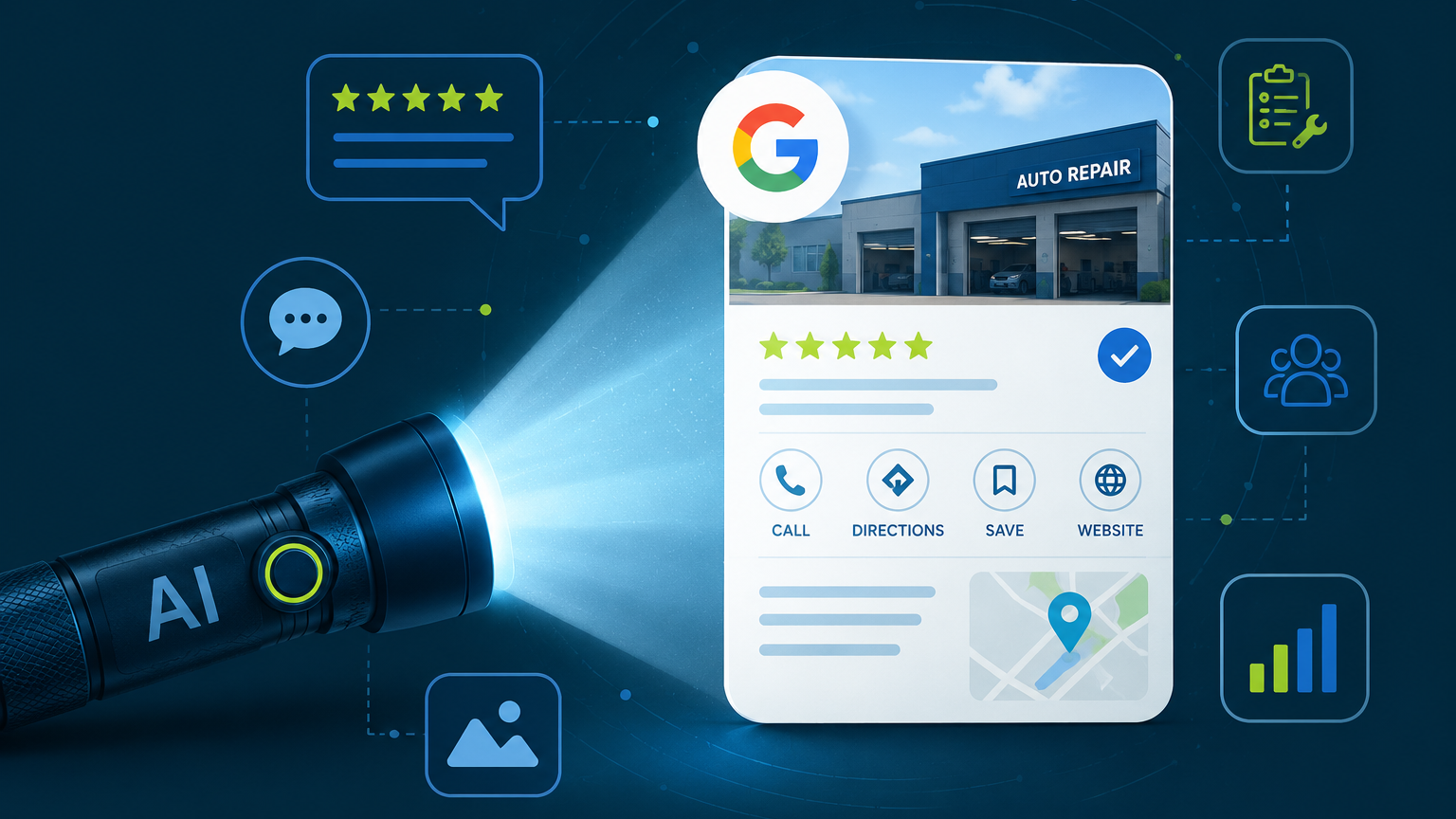
Our CTO Heather Myers has been writing about how AI is changing the way customers find repair shops (
AI Is a Flashlight, Not a Map
blog series
). One of the key findings: AI models don’t just count your stars. They read the actual text of your reviews.
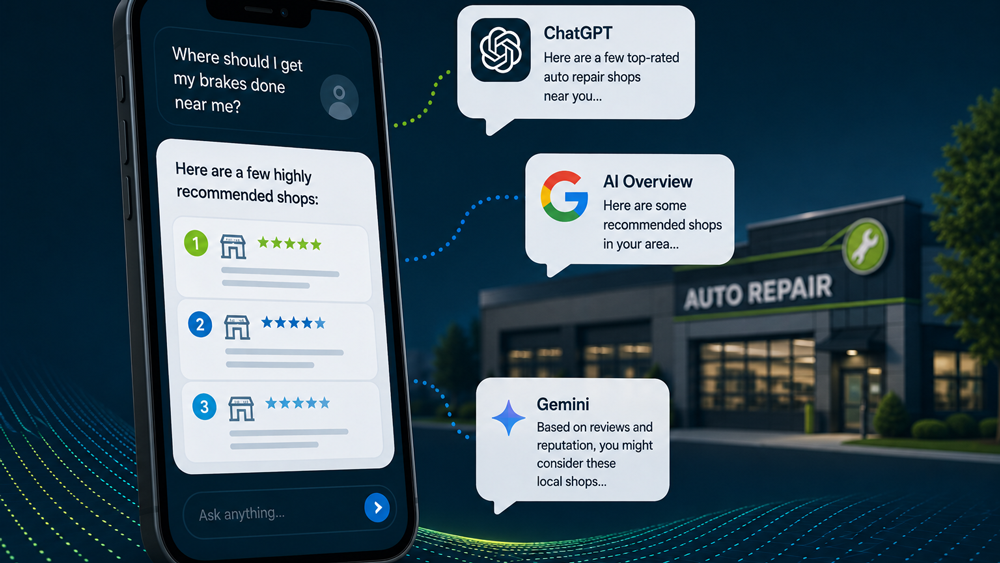
That means authentic, detailed reviews from real customers are more valuable than ever. Not just for trust. For visibility. A profile full of gated five-star reviews that say “Great service!” gives AI almost nothing to work with. A profile with genuine reviews that mention specific services, vehicle types, and real experiences gives AI the context it needs to recommend your shop.
Summer Lee’s post from earlier this week goes deeper on how review content shapes AI visibility (
Read the Post Here
). If you haven’t read it yet, I’d recommend it.
The bottom line: doing reviews the right way isn’t just about compliance. It’s about building the kind of review profile that works for you everywhere. With customers. With Google. And with AI.
Lori Metzler is the Senior Director of Client Success at KUKUI. She has spent over 30 years in the automotive industry and over 10 years at KUKUI, helping shop owners grow their businesses through marketing, technology, and genuine customer relationships.