When AI Saves You Time
The Math on AI to Help You Decide

This series has spent a lot of time on what AI gets right and wrong. How to evaluate it. How to prompt it. How to understand the difference between ChatGPT and the AI built into your software.
This post is simpler. It’s about time and money.
Where does AI actually save you hours? Where does it save you dollars? And where does it quietly cost you both while looking like it’s helping?
Because that’s the thing about AI’s costs. They don’t look like costs. They look like productivity. They look like a smart recommendation you acted on. They look like a shortcut that seemed to work until you realized it didn’t.
Where AI Genuinely Saves You Time
These are the use cases where AI consistently pays off. Not because it’s perfect, but because even imperfect output is faster than starting from scratch.
Review responses. This is probably the highest-ROI use of AI for most shops. A thoughtful review response takes 5-10 minutes to write. A tool like KUKUI’s AI Review Responder generates a personalized draft in seconds. Even if you spend a minute editing it, you’re saving 5-8 minutes per review. A shop that gets 10 reviews a week saves roughly an hour. Over a month, that’s four to five hours returned to your team for the cost of reading and approving drafts.
Social media content. Creating a social post from scratch takes 15-20 minutes if you’re thinking about what to say, writing it, and finding an image. AI can generate a week’s worth of post drafts in minutes. You still need to review them, add your own photos, and make them sound like your shop. But the drafting step goes from an hour to ten minutes.
Email templates. Declined service follow-ups. Seasonal campaigns. Customer reactivation emails. Writing these from scratch is a project. AI gives you a working draft in seconds that you can customize. The first version is never the final version, but it gets you 70% of the way there instantly.
Service page content. We covered this in Post 4. AI can draft a service page in a minute. It takes a human to add the real expertise, verify the claims, and make it sound like your shop. But the blank-page problem is eliminated. For a shop that needs to update or create ten service pages, that’s a significant time savings.
Call scripts and talking points. A service advisor following up on declined work needs something to say beyond “just checking in.” AI can generate a conversational script with objection handling in under a minute. We covered this in Post 3. It’s a starting point your team adapts, not a script they read verbatim.
Brainstorming and ideation. “Give me ten blog post ideas for an auto repair shop located in [City] heading into winter” “What are five ways to promote my fleet services in [City]?” “Help me think through a referral program for an auto repair shop located in [City] .” These conversations used to require a marketing meeting. AI gives you a starting list in seconds. Not all the ideas will be good. But the good ones come faster than they used to.
The Math
Let’s put some rough numbers on it. These aren’t scientific. They’re based on what we see across the shops we work with.
A shop that uses AI for review responses, social drafting, and email templates is realistically saving 6-10 hours per month. That’s a part-time employee’s worth of marketing admin work. For a shop owner or service manager doing these tasks themselves, that’s 6-10 hours back for running the business.
The key: AI saves the most time on tasks that are repetitive, language-based, and don’t require deep business knowledge. The more a task fits that description, the more AI helps.
Where AI Quietly Costs You
Now the other side. These are the places where AI looks like it’s saving you time or money but is actually doing the opposite.
Acting on unverified demographic data. We covered this early in the series. AI generates demographic profiles that look like Census data but aren’t. A shop that uses these profiles to decide who to target, what services to promote, or where to spend ad budget is making decisions based on estimates, not facts. If those estimates are wrong (and we’ve seen them off by tens of thousands of dollars on median income alone), the resulting ad spend is wasted. A $2,000/month ad budget pointed at the wrong audience for three months is $6,000 gone.
Implementing AI SEO recommendations without checking. AI audits love to recommend technical SEO changes. Add schema markup. Change your title tags. Restructure your URLs. Some of these are legitimate. Some conflict with what your website platform already handles. Implementing conflicting changes can create problems that are worse than doing nothing, and fixing them costs time and sometimes money. Always check with your website provider before making technical changes based on an AI audit.
Generating bulk content to chase AI visibility. We addressed this in Post 4 and Post 7. The idea that more pages equals more visibility is persistent and expensive. Shops are paying for hundreds of pages of AI-generated content thinking it will help them rank better. Google penalizes this as scaled content abuse. AI models treat it even more harshly. The cost isn’t just the money spent generating the content. It’s the potential damage to your search visibility that can take months to recover from.
Letting AI manage ad spend unsupervised. We covered this in Post 6. Google’s automated bidding optimizes for what Google measures, which isn’t always what drives real customers to your shop. A general-purpose algorithm doesn’t know which keywords drive your highest-margin services. It doesn’t have 15 years of negative keyword data for your industry. Automated bidding that runs without expert oversight tends to spend efficiently on paper and ineffectively in practice. The cost shows up in your results, not your ad dashboard.
The time spent fixing AI’s mistakes. This is the hidden cost nobody talks about. You ask AI to write a service page. It lists services you don’t offer. It describes your process incorrectly. It invents certifications. Now you’re spending time fact-checking, rewriting, and correcting, sometimes more time than it would have taken to write it yourself. AI saves time on the first draft. It costs time when you don’t verify the output.
The rabbit hole. This one is less about money and more about focus. An hour spent asking ChatGPT to analyze your competitors, generate a marketing strategy, and build you a business plan is an hour you didn’t spend on the fundamentals that actually move the needle. AI makes it easy to feel productive without being productive. The shops that benefit most from AI are the ones that use it for specific, defined tasks, not open-ended exploration that replaces actual work.
A Simple Way to Decide
Before using AI for any task, ask yourself two questions:
1. What happens if AI gets this wrong? If the answer is “I waste a few minutes editing a draft,” the risk is low. Use AI freely. If the answer is “I spend money based on bad data” or “I make a technical change that breaks something,” slow down. Verify first.
2. How would I know if AI got this wrong? If you can easily check the output against real data (your CRM, your analytics, your actual service menu), AI is a safe starting point. If you wouldn’t know the output was wrong without expertise you don’t have, that’s a task where AI needs human oversight before you act.
Low risk, easy to verify: use AI. Save time. High risk, hard to verify: use AI as a starting point, but verify with real data or your marketing provider before acting.
The Bottom Line
AI is a genuine time-saver for content creation, communication, and ideation. For most shops, that translates to 6-10 hours a month and noticeably less friction on the marketing tasks that tend to get pushed to the bottom of the list.
AI is a genuine cost risk when it’s used for decisions. Targeting, technical changes, ad management, content strategy. These are places where confidence looks like competence, and a mistake doesn’t announce itself until the bill comes due.
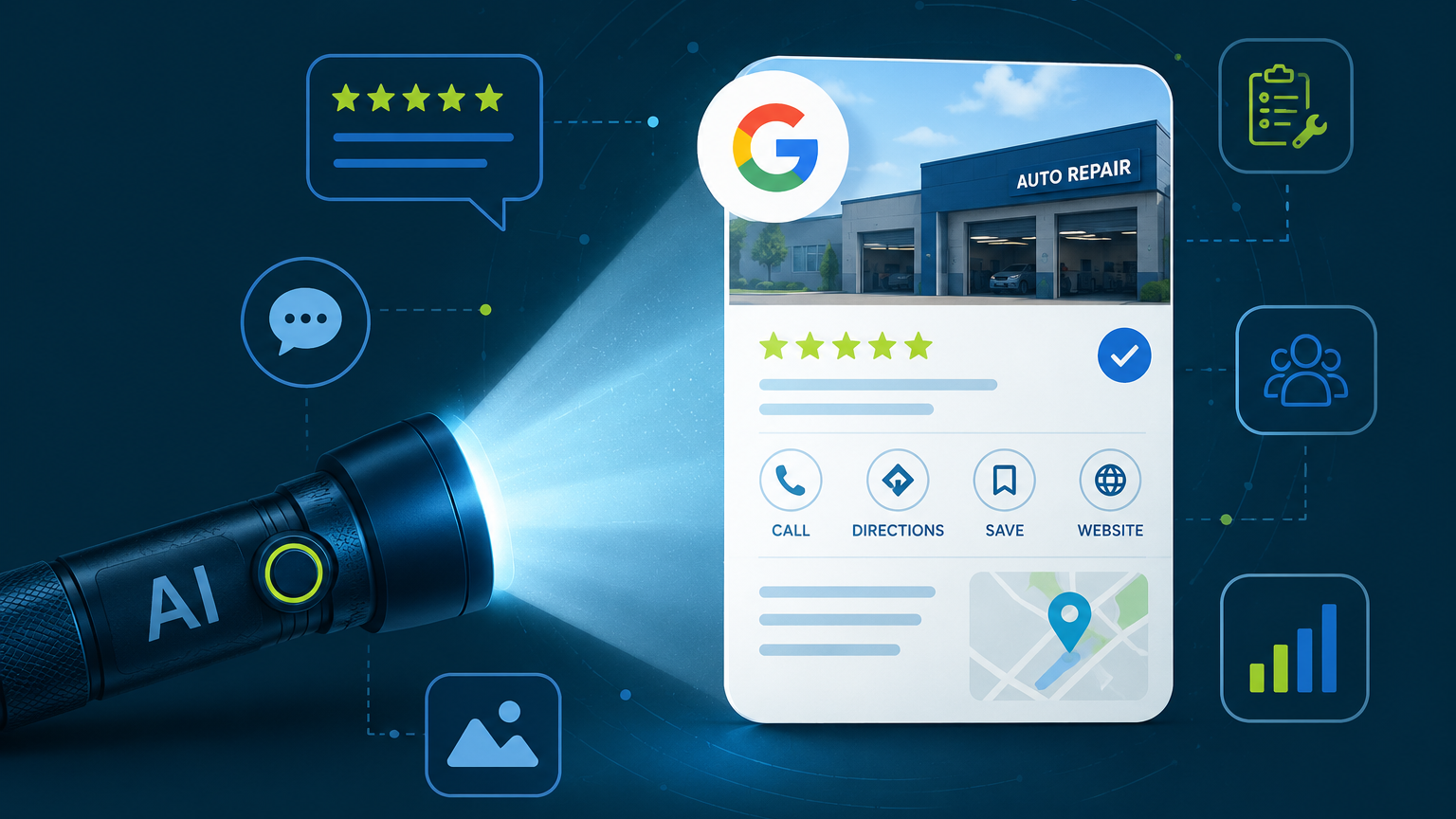
The shops that get the most from AI are the ones that use it for the first category and bring a human to the second. That’s been the theme of this entire series. AI is a flashlight, not a map. It can illuminate. It can’t navigate.
What’s Next
We’ve been testing AI visibility across hundreds of locations for the last several months. What actually moves the needle? What doesn’t? What surprised us? The data is almost ready. That post is coming soon.
If you’re new to the series:
Catch up on the series: Post 1 • Post 2 • Post 3 • Post 4 • Post 5 • Post 6 • Post 7 • Post 8 • Post 9 • Post 10 • Post 11 • Post 12
For the full framework: The Shop Owner’s Guide to AI in Marketing.
Heather Myers is the Chief Technology Officer at KUKUI, where she builds marketing and customer engagement technology for independent auto repair shops. Before joining the automotive technology space, she built information systems for public and academic libraries.
This is the tenth post in our ongoing series, AI Is a Flashlight, Not a Map. New posts publish every two weeks.
Categories
Archives